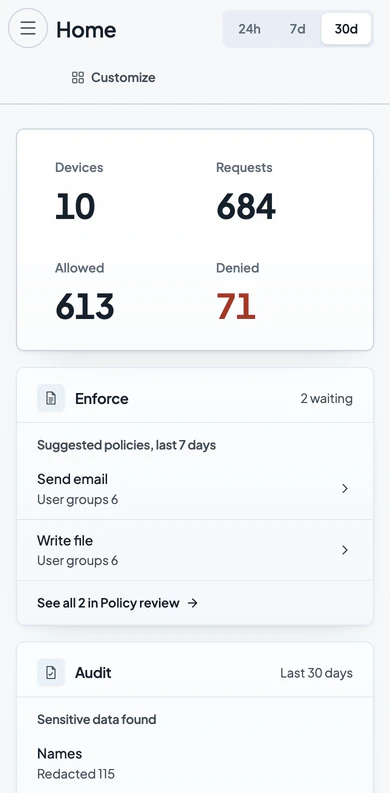

An AI policy that holds on your staff devices.
A written AI policy tells staff what is allowed. Verillian applies it on your staff devices and records each request.

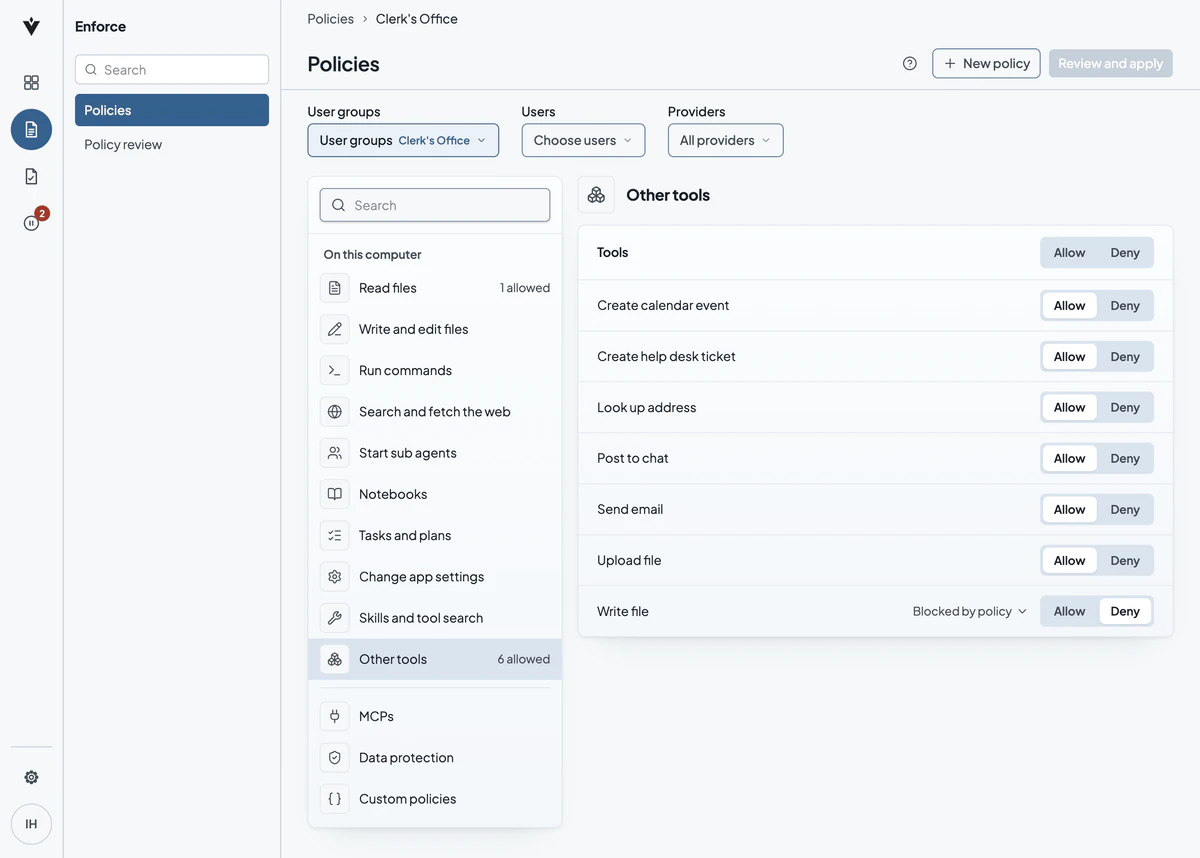
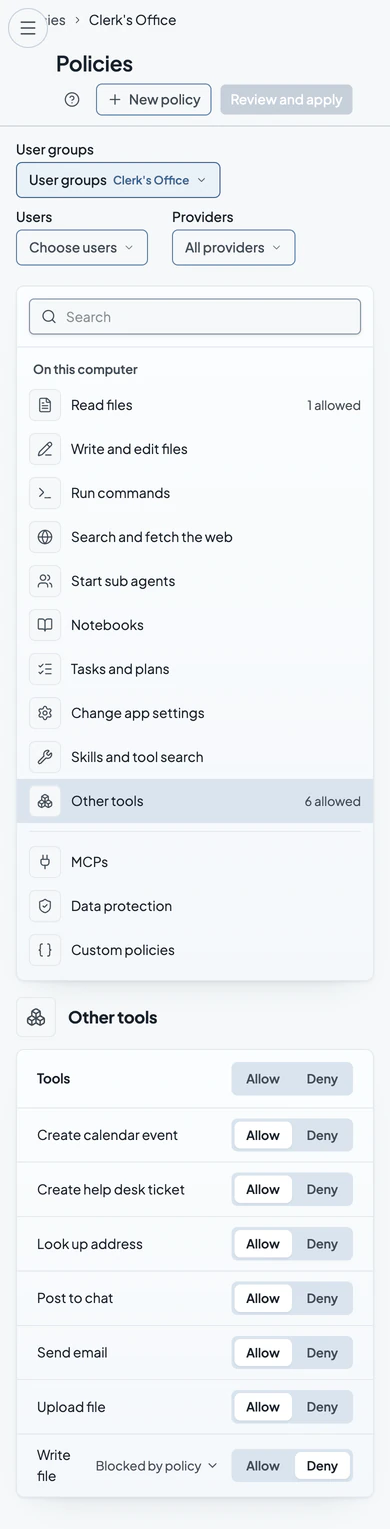
Each department sets what AI may do for its work.
On the services Verillian inspects, patrol, the clerk's office and finance can each allow or deny actions like sending email or writing files.
More on putting an AI policy into practice

An AI acceptable use policy is not enforcement
What it takes to show the policy held.

Agentic AI governance: control the action, not the prompt
Agents act on their own, at machine speed.
What evidence does an auditor expect for AI use in a state agency?
An inventory, proof the policy held, a running record.
Put your AI policy to work on your staff devices.