

Officials seated around a long meeting table in a bright room with a podium and tall windows.

Say yes to AI in every department.

Council and public records requests will ask how your staff use AI. Verillian applies your policy on each device and keeps the record on your own servers.

Set your data rules once, for every department.

Choose which personal details are replaced before a request leaves and which get it denied.
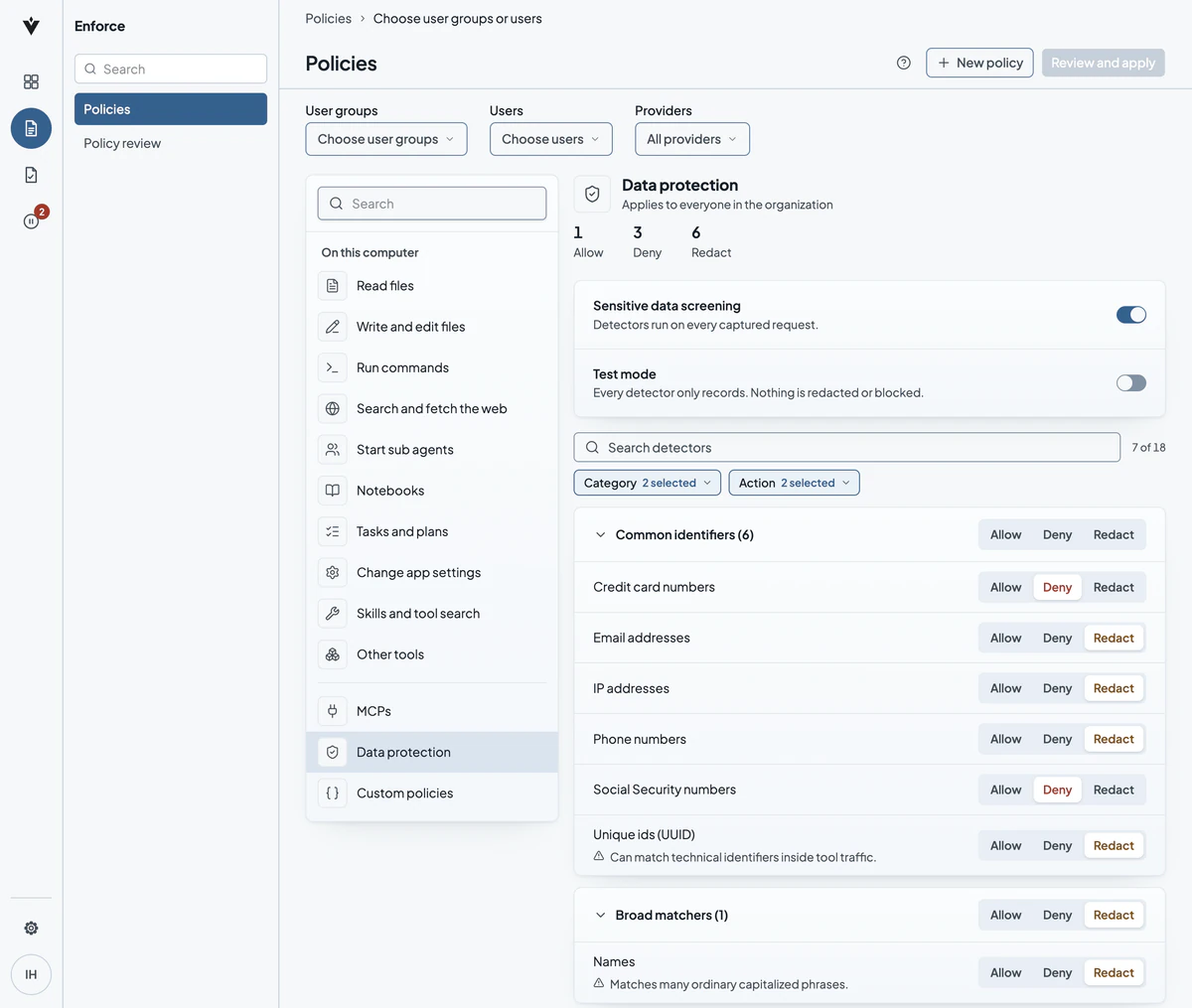
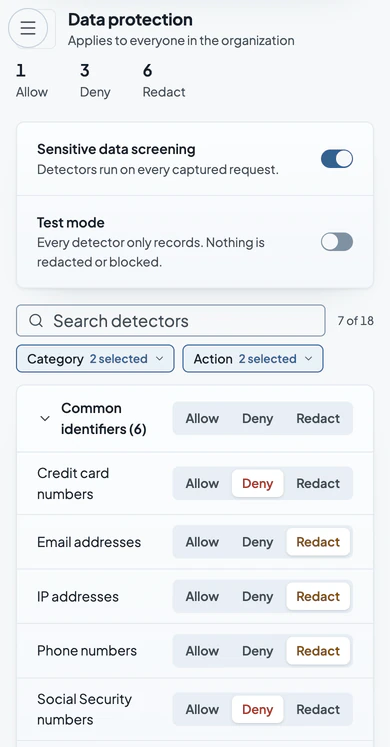
Verillian Data protection settings that apply to everyone in the organization: credit card numbers and Social Security numbers set to Deny; email addresses, IP addresses, phone numbers, unique ids and names set to Redact.Verillian Data protection settings that apply to everyone in the organization: 1 Allow, 3 Deny, 6 Redact, sensitive data screening on and test mode off. 7 of 18 detectors shown: credit card numbers and Social Security numbers set to Deny; email addresses, IP addresses, phone numbers, unique ids and names set to Redact.

The resident gets an answer. The AI sees placeholders, not their details.

A clerk drafts a reply about a permit refund with AI. The reply comes back ready to edit, and the request is on the record.


Verillian Audit screen with a clerk's request open. The resident's name, phone number and email address were redacted, and the reply is shown below.

Give every department AI with a record behind it.

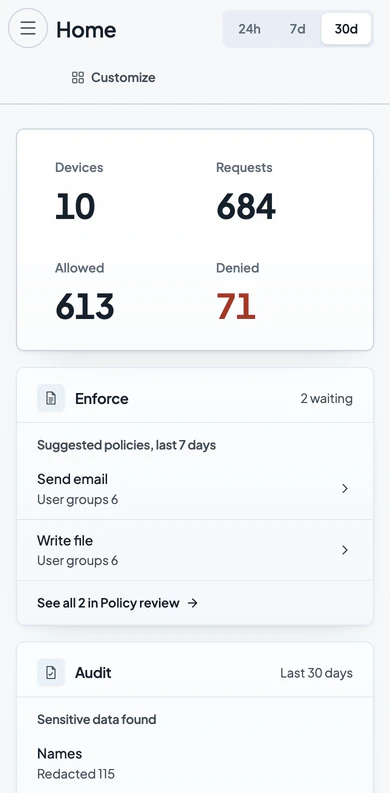
The Verillian console home for the last 30 days: 10 devices, 684 requests, 613 allowed and 71 denied, the Enforce, Audit and Contain cards with the two active holds, and the latest refused requests.The Verillian console home for the last 30 days: 10 devices, 684 requests, 613 allowed and 71 denied, the Enforce card with two suggested policies waiting, and the top of the Audit card.